


Casino Game Unavailable Critical Checks Before You Try Again
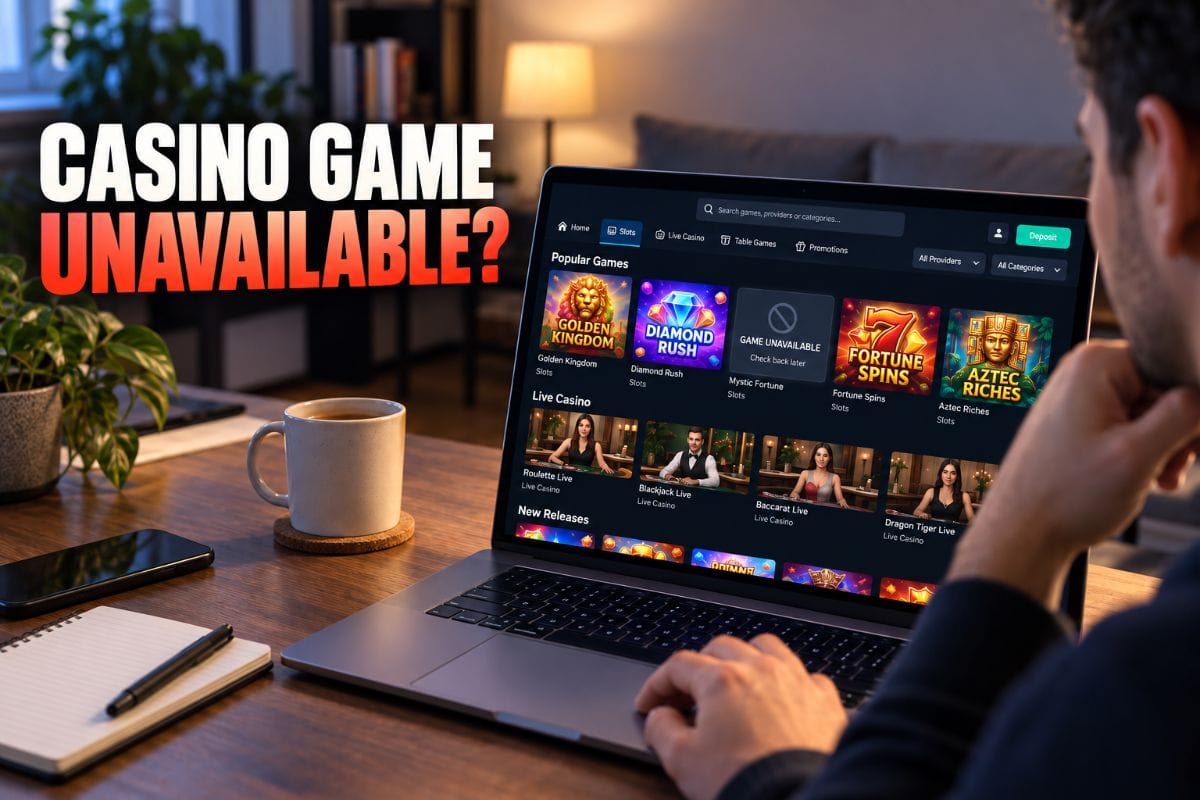
Casino game unavailable when you try to open a title that worked before? The cause may be narrower than the whole casino being down. A title can fail because of an IP restriction, provider maintenance, a changed catalogue, an active product exclusion, or a session problem. Start in the casino lobby and check whether the game still appears before assuming it has been permanently removed. If the game availability issue affects only one title, troubleshoot that title first rather than refreshing the entire account repeatedly.
Start With One Question: Is the Game Still Listed?
Open the casino lobby and search the exact game name. If the title appears but will not launch, the problem is different from a title that has disappeared from search entirely. A visible game with a launch error suggests access, connection or provider-side functionality should be checked. A missing title may indicate that the catalogue has changed for your current account, region or provider feed.
Do not clear browser data or reinstall anything until you know whether the title is still offered to your current session.
When a Casino Game Unavailable Message Appears on One Title
If one title fails while several other games open normally, test the same title once after a fresh login. Current help guidance says difficulty opening a game is commonly linked to IP restrictions and recommends contacting Chat Support if an error persists so the team can check whether the title is currently functional.
If the same error returns, record the game name, provider, time and exact message instead of repeatedly reopening it.
Provider Maintenance Can Look Like a Broken App
Provider maintenance can affect a single studio, game family or supplier while the rest of the casino continues working. In that situation, the account may sign in normally and other titles may launch without difficulty. A casino game unavailable screen can therefore look like an app problem even when the issue is provider-side.
If provider maintenance is suspected, check whether other titles from the same supplier behave the same way. If several related games fail together, stop retrying and ask support whether there is a known service issue. Waiting for the supplier to restore access is usually more useful than changing unrelated phone settings.
What If the Game Has Disappeared From Search?
A game removed from the visible catalogue is not necessarily a technical error on your phone. Casino catalogues can change when providers, product settings, regions or account restrictions change. Search by exact title and provider before concluding that it has vanished.
If you previously bookmarked the game, return to the casino lobby instead of relying on the old direct link. A stale bookmark can point to a route that no longer matches the current catalogue even though the broader casino is working normally.
Game Removed Does Not Mean Your Old Results Disappear
If a title removed from the lobby was played previously, past accepted wagers should be treated separately from whether the title is currently launchable. Current transaction tools record bets alongside deposits and withdrawals, while supported provider histories can preserve individual round information.
If the title disappears after a disputed round, check the account record and save any round details before assuming the result vanished.
Check Whether Product Exclusion Is Active
An account-level responsible-gaming setting can intentionally block access. Current Product Exclusion controls can restrict Slots, Sports or Live Casino while non-excluded products remain accessible.
If a casino game unavailable issue affects many titles in one category, review your responsible-gaming settings before treating the situation as a technical failure. An active exclusion is designed not to be ended early, so support troubleshooting should not be used to bypass it.
IP Restrictions Need Careful Handling
Current platform help identifies IP restrictions as a common reason a specific game may not open. That does not mean every access problem should be solved by changing location settings. Geographic restrictions can exist because of provider rules, account terms or local law.
If the issue appears only from a particular network or region, ask support which access rule applies. Do not disguise your location unless that is permitted by the platform and lawful where you are.
A Simple Diagnostic Table
| What You See | Likely Area to Check | Best Next Step |
|---|---|---|
| One game appears but will not launch | Access, provider or session | Retry once, record the error, contact support |
| Several titles from one supplier fail | Provider maintenance | Stop repeated launches and check provider status with support |
| One title disappears from search | Catalogue or regional access | Search from the current casino lobby and verify current listing |
| An entire category is blocked | Product exclusion or account restriction | Review account controls before troubleshooting |
| Everything fails to load | Connection, browser or broader platform issue | Test the connection and a fresh session |
Do Not Confuse Game Availability With a Connection Drop
Game availability is about whether a title can currently be accessed or launched, and current game availability should be checked before troubleshooting. A connection drop is different because a round may already have been accepted and can still settle even if the screen stops updating. If the title opened normally and failed only after a wager started, investigate the recorded round rather than treating it as a catalogue problem.
That distinction helps prevent duplicate wagers. A launch problem happens before the game becomes usable. A disconnect can happen after the game is already active.
Why Clearing Everything Should Not Be Step One
Before clearing cache, reinstalling anything or switching devices, note the error and test whether another title works. Local resets can remove useful clues.
If a casino game unavailable message appears across the whole casino, a fresh session or another browser can be useful. If only one game fails, the problem is less likely to be solved by resetting the whole device.
When the Casino Lobby Shows the Game Again
If a title reappears after provider downtime or a temporary listing issue, check the current game information before resuming. Minimum stakes, feature options, provider configuration or interface details may have changed. Do not assume an old screenshot or remembered setting still applies.
A restored launch button changes access, not the probabilities of the next round, so do not increase the first stake because you were waiting.
What to Save Before Contacting Support
- Exact game title and provider.
- Approximate date and time the problem started.
- The wording or screenshot of the error.
- Whether the title still appears in search.
- Whether other games from the same provider open.
- Whether the whole category or only one title is affected.
If a previous wager is involved, also save the relevant transaction or round record. Do not send passwords, one-time codes or unnecessary banking information for a game-launch problem.
Game Removed and Game Broken Are Different Problems
A game removed from the current catalogue may require a catalogue or access explanation. A title that remains listed but produces an error needs launch troubleshooting instead. Mixing the two leads to wasted steps because reinstalling a browser cannot restore a title that the current catalogue does not offer.
The reverse is also true. If the game is clearly listed, assuming it has been permanently withdrawn can send you looking for unofficial copies or old links. Stay inside the verified casino interface and ask support to confirm the current status.
Use Another Game Only If You Actually Want Another Game
If a casino game unavailable issue affects your preferred title, switching games is optional, not a fix. Different games have different rules and stake structures. Do not jump into an unfamiliar title simply because the first one would not open.
If you are comparing another specific slot, our Super Ace guide explains its card-elimination mechanics before you decide whether it fits what you want to play. Read the rules first rather than treating every casino title as interchangeable.
Casino Game Unavailable Is Usually a Status Question First
Casino game unavailable issues become easier when you identify the scope before attempting fixes. Check whether the title is still listed, whether related provider games work, whether an account exclusion is active, and whether the problem is limited to one network or session. Then use support to confirm the title’s current status instead of guessing.
When using Gembet, the current Help Centre specifically directs players with a game-opening problem to support if the issue persists so the team can check whether the game is functional. That is more reliable than repeatedly changing settings or following an old direct link.
Game availability can change, and provider downtime can be temporary. If a game removed from search later returns, recheck its rules. Do not bypass responsible-gaming exclusions or location restrictions just to reopen a title. Verify why access changed first.
Experience the real deal with SG's top Live Dealers. Play Baccarat, Roulette & more.

